What is this?
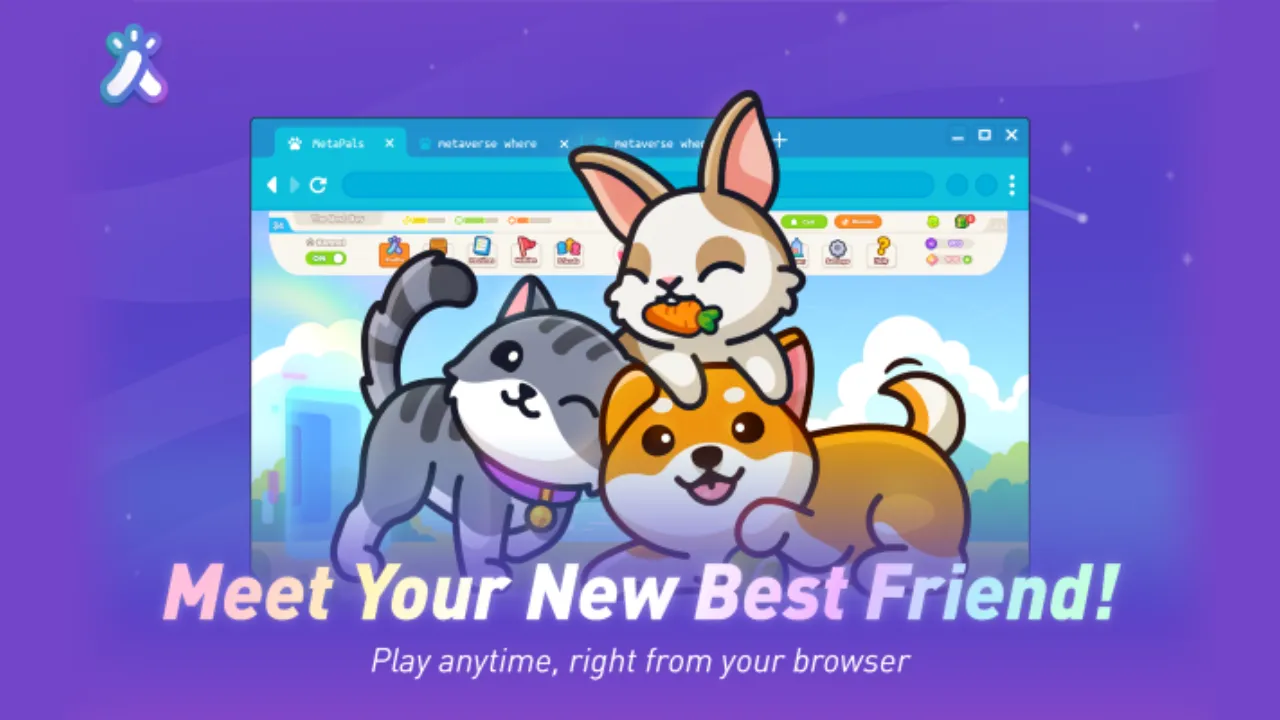
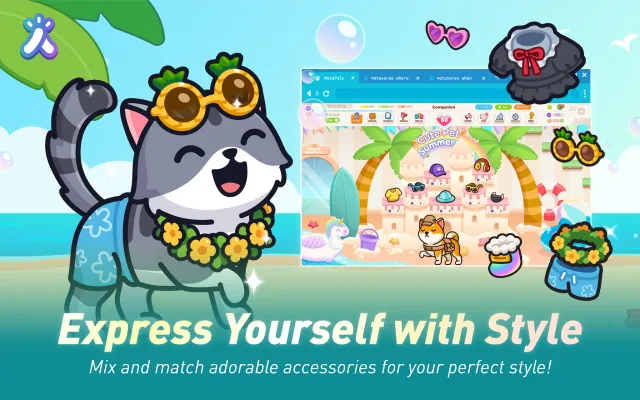
Kindred is a Chromium extension that brings an animated AI companion to life on your browser, following you across tabs. The companion — available as original MetaPals characters (bunny, shiba, tabby) or licensed IP such as Axie, Pudgy Penguins, and Teletubbies — can be interacted with through patting, dragging, and feeding, and customized with accessories.
The beta version extends this with an AI chat feature, where users can talk to the companion through text or voice and receive text and voice responses.
Alongside the extension, there is the Sanctuary (public) / Hub (beta) website, where users can buy food and accessories for their companion and visit other users’ companions, without needing to update their extension.
What did you do?
I worked as a frontend engineer of this extension project for 1 year and 4 months, focusing primarily on the animated companion and the extension’s UI.
Companion framework
I maintained the companion framework — inherited from a previous engineer — which handles companion creation (loading Spine files, building containers), companion state management, and animations such as idle, walk, feed, pat, jump, pickup, and more. This framework was shared between the extension and the Sanctuary/Hub website.
Complex systems I built
- Cross-tab sync: Kept the companion’s state in sync across browser tabs using the Chrome extension messaging system and state management in the extension environment, with local storage for persistence across browser sessions.
- Phoneme-based mouth animation: Created a mouth animation system driven by the AI’s text output. For voice output, visemes sent by Azure Speech were used to drive the animation in sync with audio.
- Offscreen document messaging: Built a messaging system between tabs, the extension, and an offscreen document. The offscreen document handles the SignalR connection for AI chat, voice activity detection, and persistent audio playback across tabs.
- Web detection system: Implemented a system that detects which website the user is visiting to support daily quests. When a user visits a target website, the companion plays a search animation and spawns a gift box reward on screen.
- Multi-step onboarding: Created a multi-step onboarding flow introducing users to the extension’s features, each step with tailored companion animations. Designed to handle edge cases gracefully, such as the user switching tabs, closing the browser, or returning at a later time mid-flow.
UI work
Built various UI components for the extension including profile, inventory, and settings menus, as well as the chat input and message bubble UI for the beta version. Also worked on UI for the Sanctuary/Hub website.
AI chat integration
Integrated the companion’s AI chat with the backend using SignalR, including voice activity detection and audio playback via the extension’s offscreen document.
How was this built?
- TypeScript for the extension and website.
- Pixi.js + Spine for the 2D animated companion.
- React for extension and Sanctuary/Hub website UI.
- Next.js for the Sanctuary/Hub website.
- Zustand for state management on the website.
- SignalR for real-time AI chat communication.
- Chrome Extension APIs for cross-tab messaging and offscreen document management.
- Azure Speech for voice output and viseme-driven mouth animation.
- Figma for collaborating with the UI/UX designer.